
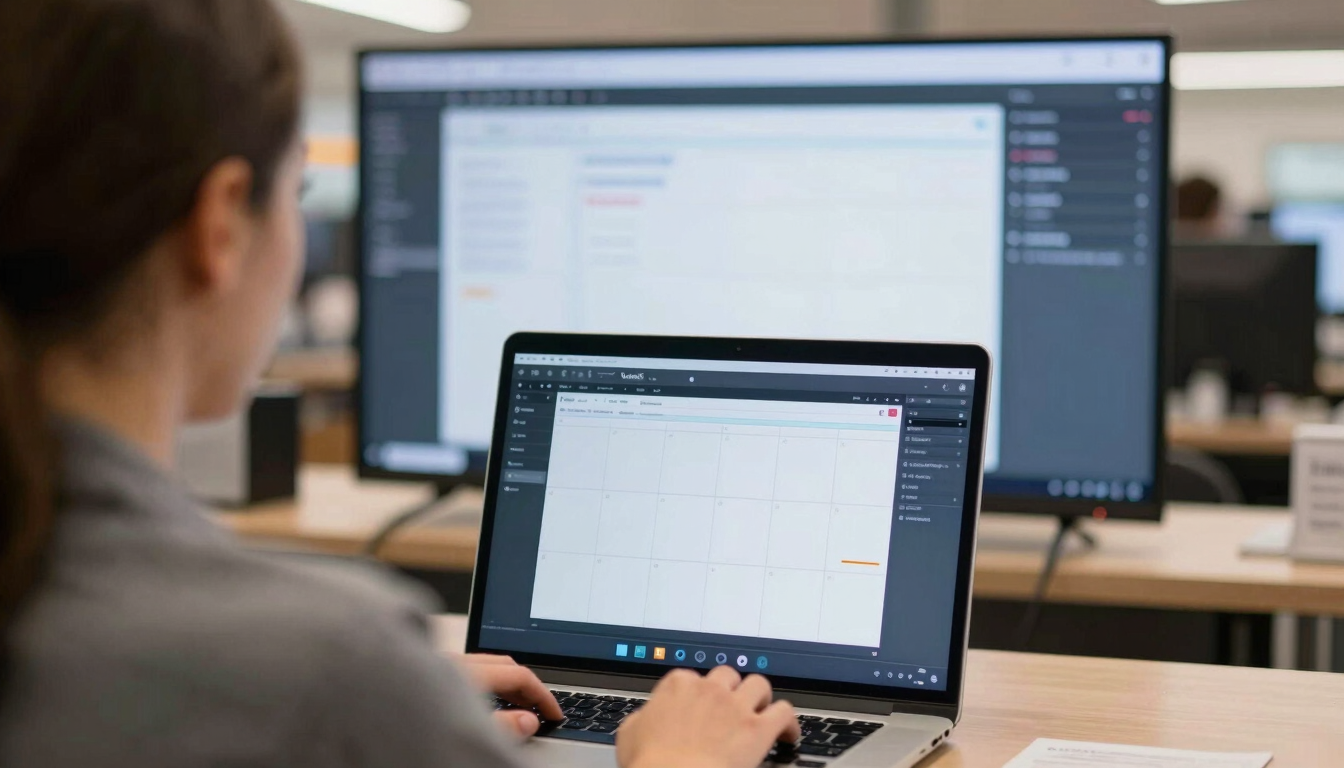
Build a live screen in minutes — no design skills needed.
Pick a template, drop in your content, hit publish. Your screen updates the moment you decide — from any device, anywhere.
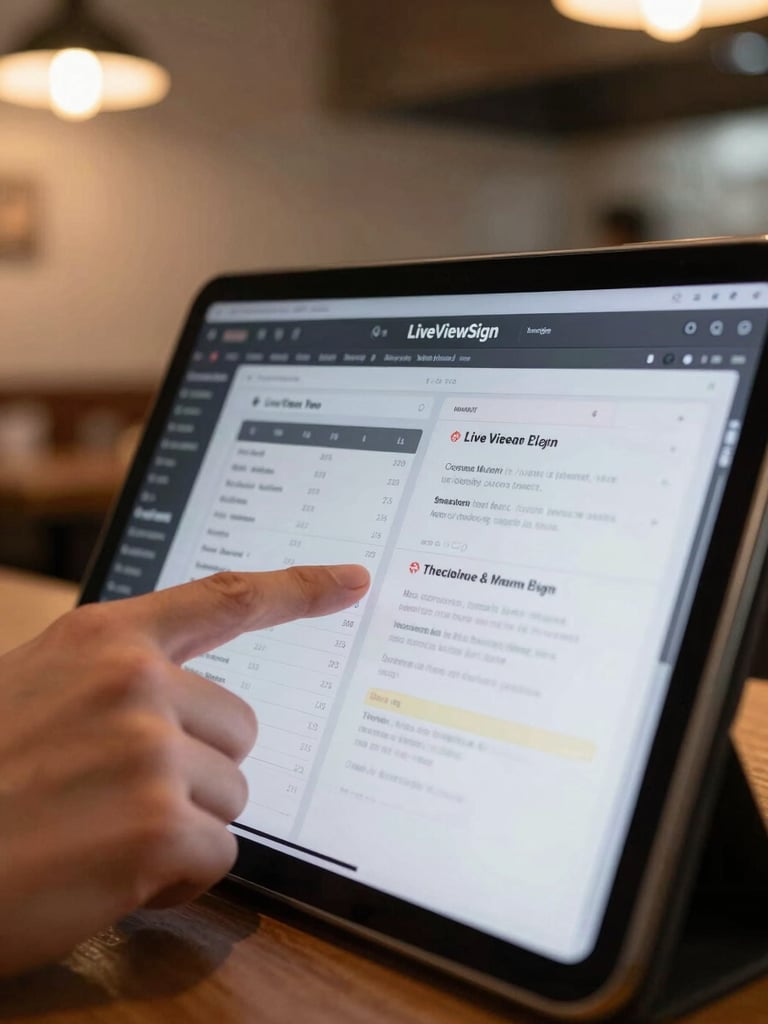
From blank canvas to live screen, fast.
1 — Choose a template
Browse hundreds of ready-made layouts built for menus, promos, and announcements. Pick one and your canvas is ready.
2 — Drop in your content
Drag videos, images, prices, or live widgets onto the canvas. The real-time preview shows exactly what plays on screen.
3 — Set your schedule
Tell the platform when and where each piece plays — by day, time, or location. It runs hands-free from there.
4 — Publish and watch it go live
Hit publish. Every screen you manage updates instantly — no waiting, no IT ticket, no contractor call.
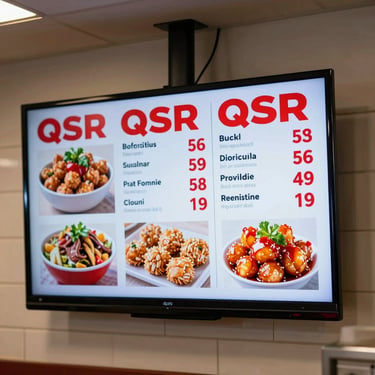
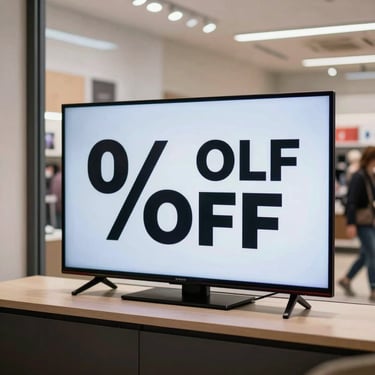
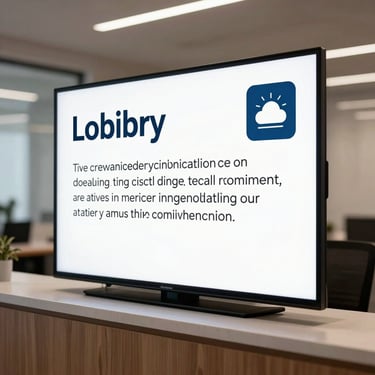
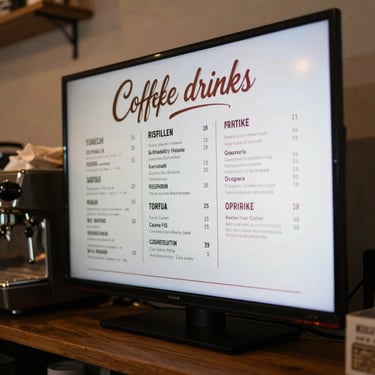
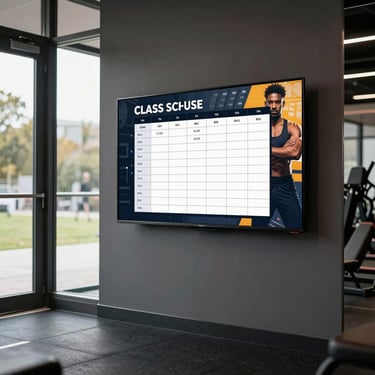
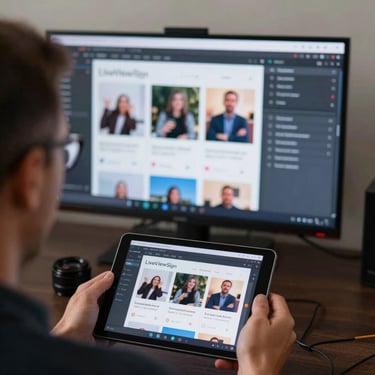
Hundreds of layouts. One click to start.
Menus, promotions, social feeds, weather, announcements — every template is built for a real screen in a real space. Swap your content in and publish.
Schedule once. Let your screens handle the rest.
Set content to play by day, time, or location — then walk away. Remote control of every screen from your phone means no on-site visits, no manual swaps.