• Platform Features

Every tool to run your screens — no IT required.

From drag-and-drop design to live remote updates, here is exactly what you get — and how each piece fits your daily workflow.
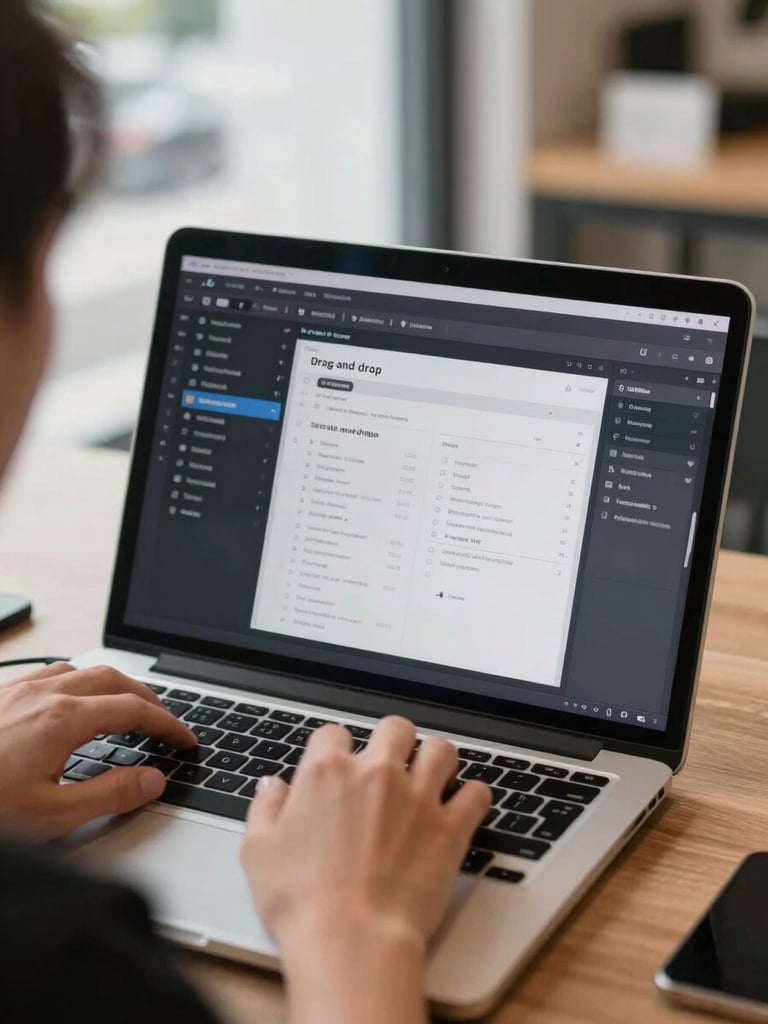
Close-up over-the-shoulder shot of a person's hands using a laptop, the screen showing a drag-and-drop digital signage editor with a menu layout being assembled, natural daylight from a nearby window, retail environment visible softly out of focus in the background
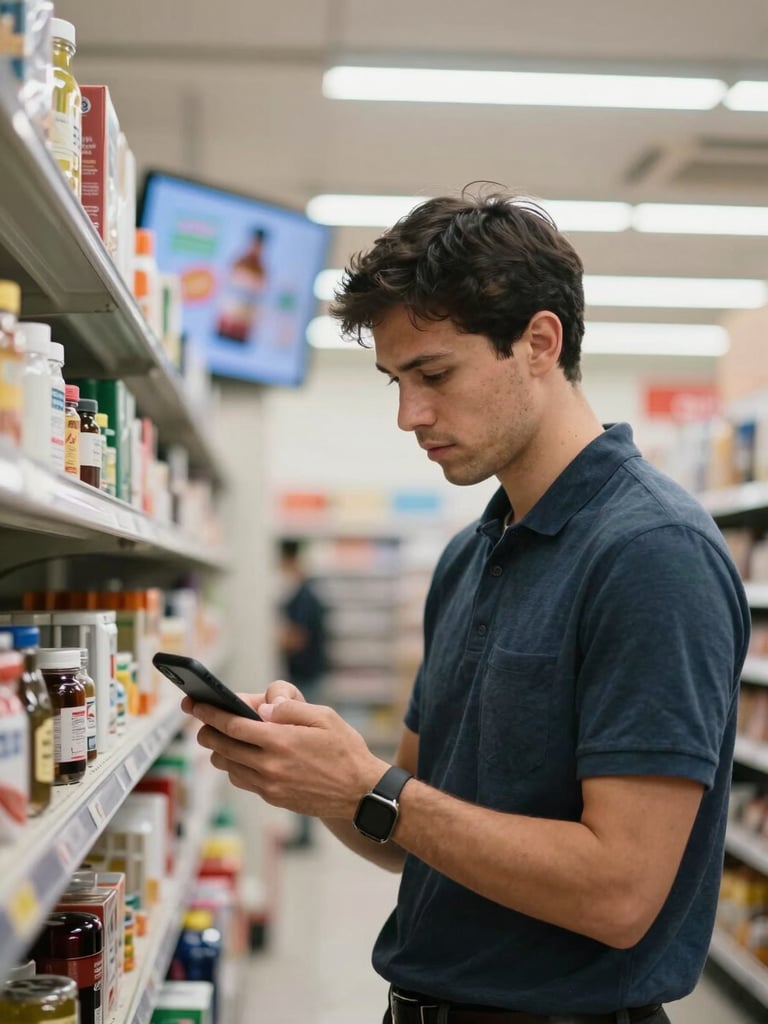
A store manager glancing at their smartphone while standing in a retail aisle, a wall-mounted display screen visible behind them showing a live promotional graphic, natural indoor fluorescent light, candid environmental framing
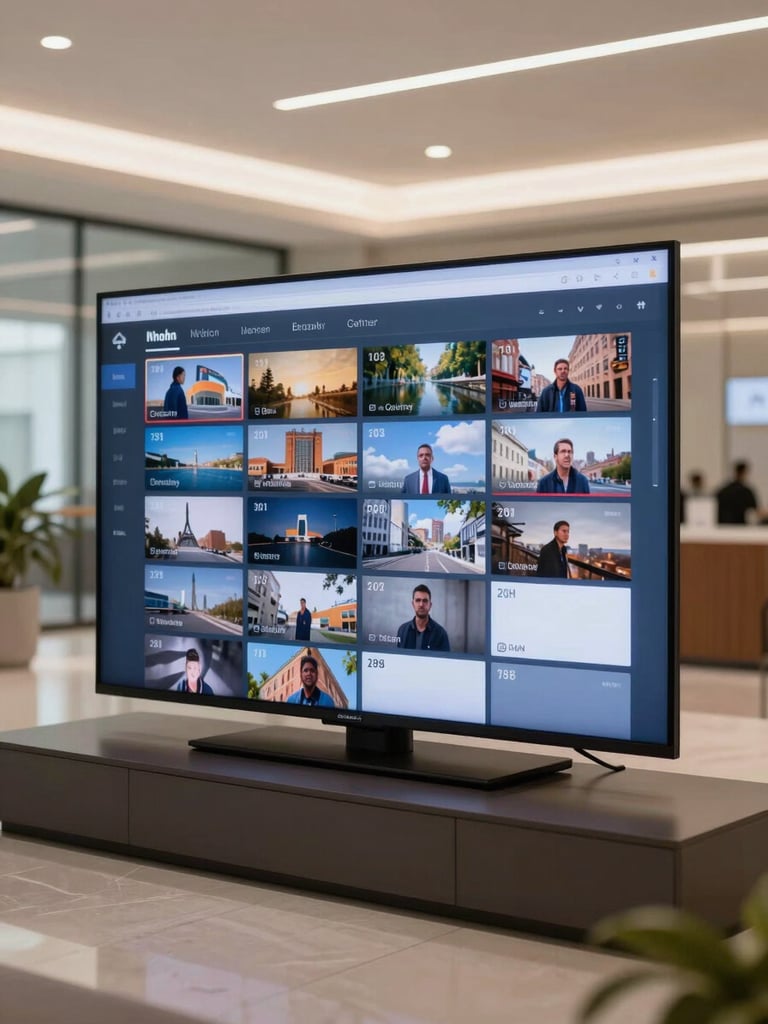
Wide shot of a lobby TV displaying a scheduled playlist interface with time-of-day content slots visible on screen, clean corporate hallway background, daylight-balanced overhead lighting, no people present — focus on the screen content in context
/ Design Without Design Skills

Drag, drop, and publish in minutes.

Pick a template, swap in your content, and hit publish. Hundreds of ready-made layouts cover menus, promos, and announcements — no design background needed.

Real-time preview shows exactly what your screen will display before anything goes live.

— Control From Anywhere

One browser tab. Every screen.

Log in from your phone, laptop, or tablet and push updates to any screen at any location — instantly. No on-site visit, no IT ticket.

Changes go live the moment you save. Your screens stay current whether you manage one location or fifty.

+ Automated Scheduling

Right content, right screen, right time.

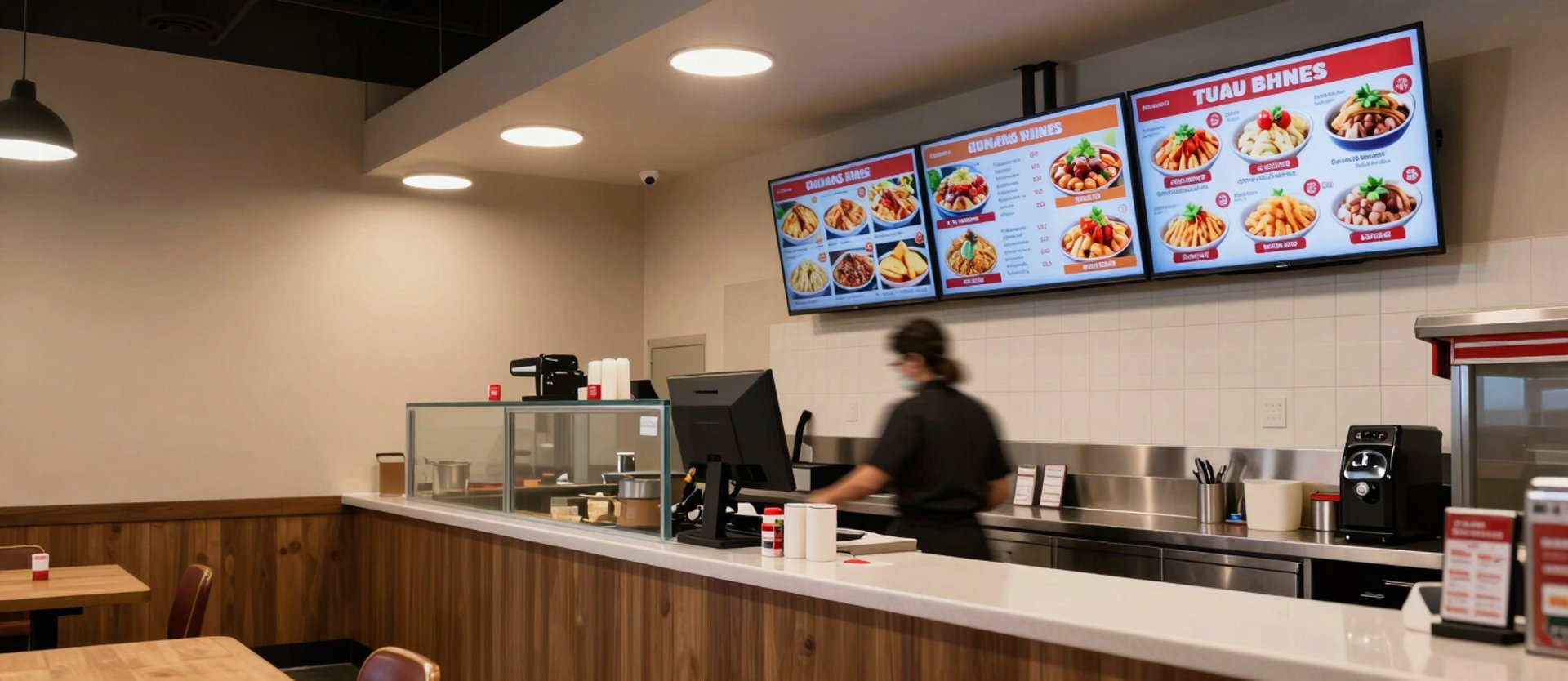
Set playlists to run by day, time, or location. Breakfast promos at 7am, lunch specials at noon — all automatic after you schedule once.

Live weather, social, and news widgets refresh on their own. Your screen stays relevant without daily edits.

Compatible with

Works On Your Hardware

Commercial TVs · Android media players · Android tablets · Smart displays · Fire TV Stick

Plug in and go — any TV, any device.

Managed in the cloud

LiveViewSign runs on standard commercial TVs, Android media players, and tablets. No proprietary hardware to buy — use what you already have or grab our plug-and-play device.

Secure cloud hosting, automatic updates, and 99.9% uptime — accessible from any browser, any device, anywhere.

Ready to put your screens to work?

Get up and running in under an hour. No technical setup, no designer needed — just your TV and a browser.